
Home and your library
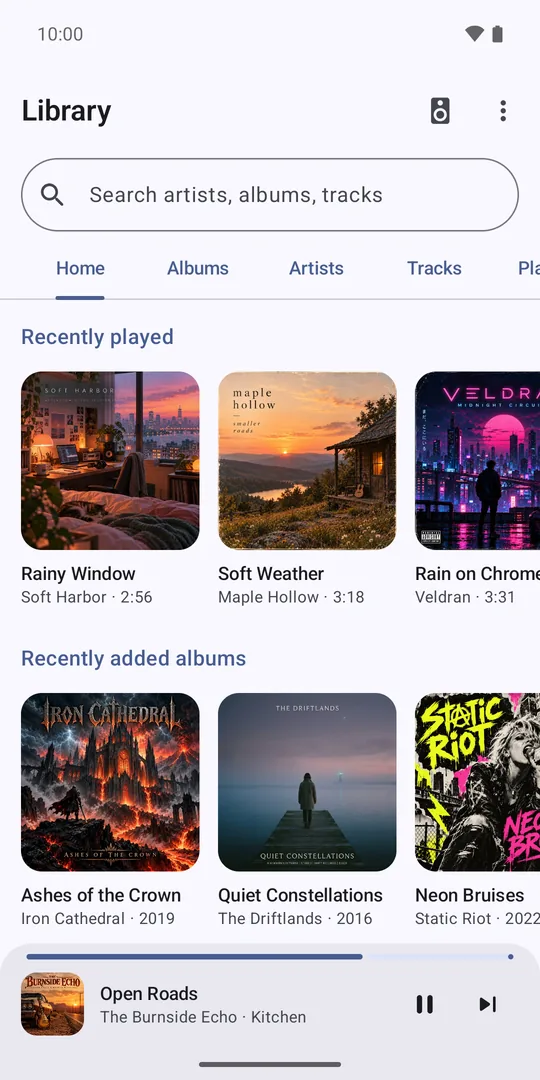
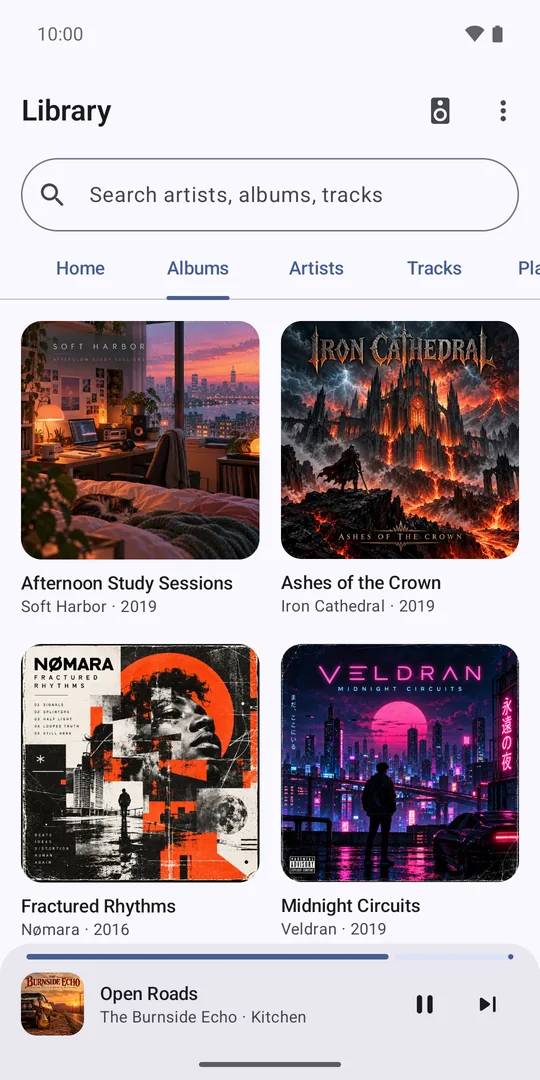
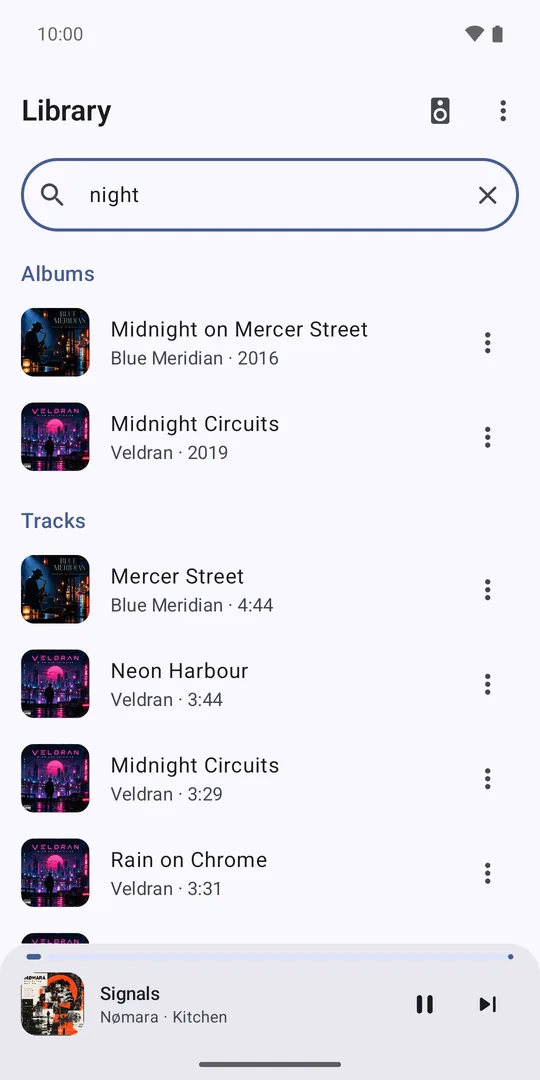
Music Assistant's suggestions for you, like recently played and inspired by what you play, then albums, artists, tracks, playlists and folders, with search across everything.
MAestro is a fast, good-looking app for Music Assistant, the open-source server that plays your library and streaming services on Chromecast, Sonos, AirPlay and more. Pick music first, choose any speaker, move it from room to room, and carry on in the car or on your wrist.
Features
Built around how you actually listen: find something, pick where it plays, done.
Music Assistant's suggestions for you, like recently played and inspired by what you play, then albums, artists, tracks, playlists and folders, with search across everything.
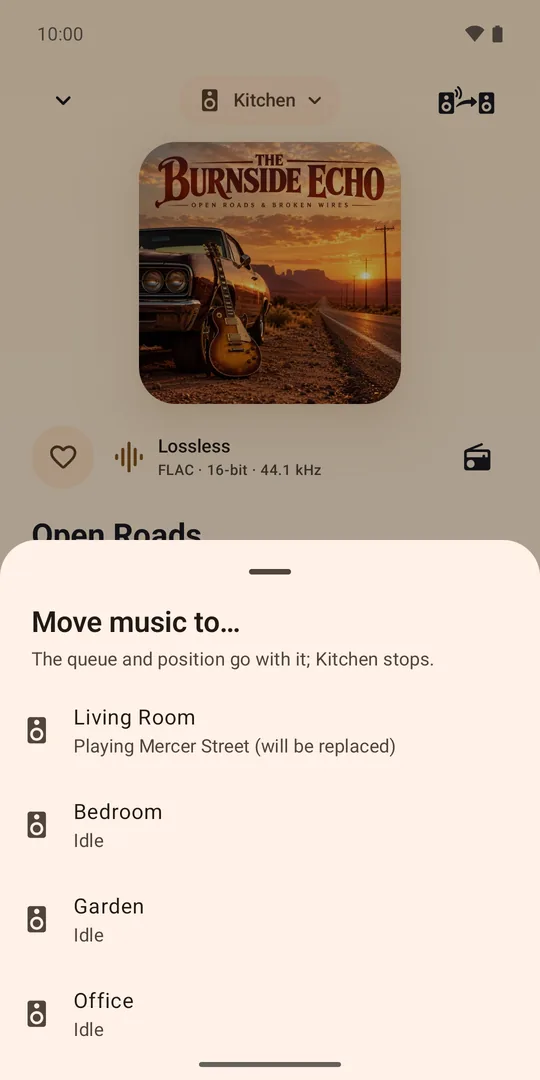
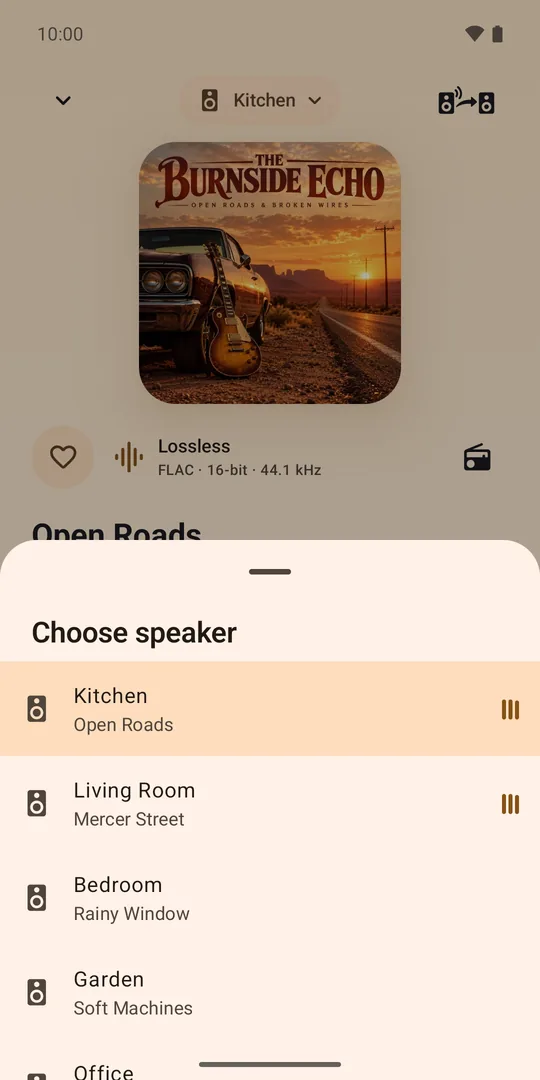
Pick any speaker, group rooms and set each one's volume, or move the music to another room in one tap.
"This phone" joins your speakers, in step with the rest of the house, at home or on mobile data.
Browse albums, artists and playlists on the car's screen, or just ask for a song, and play through the car.
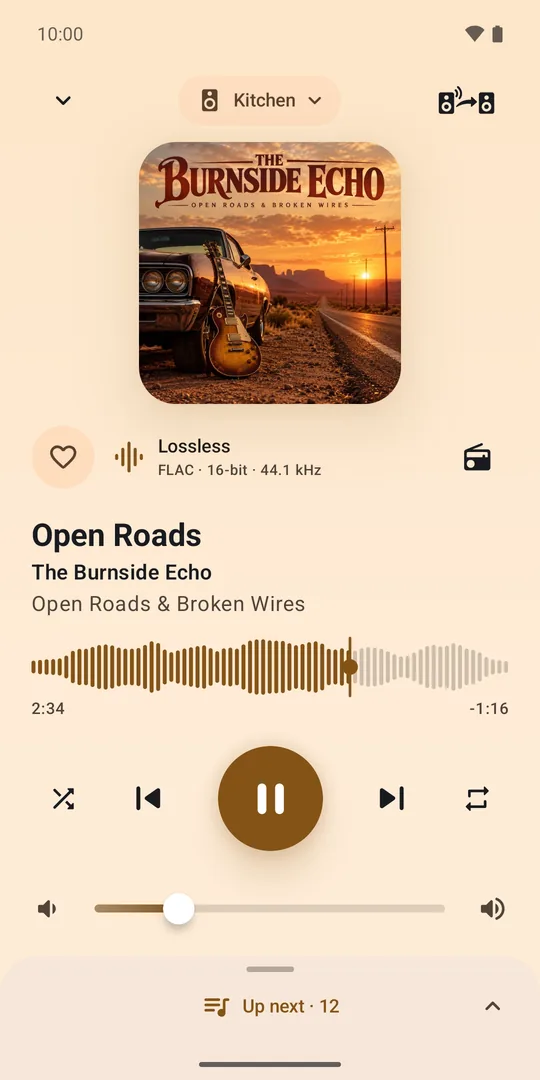
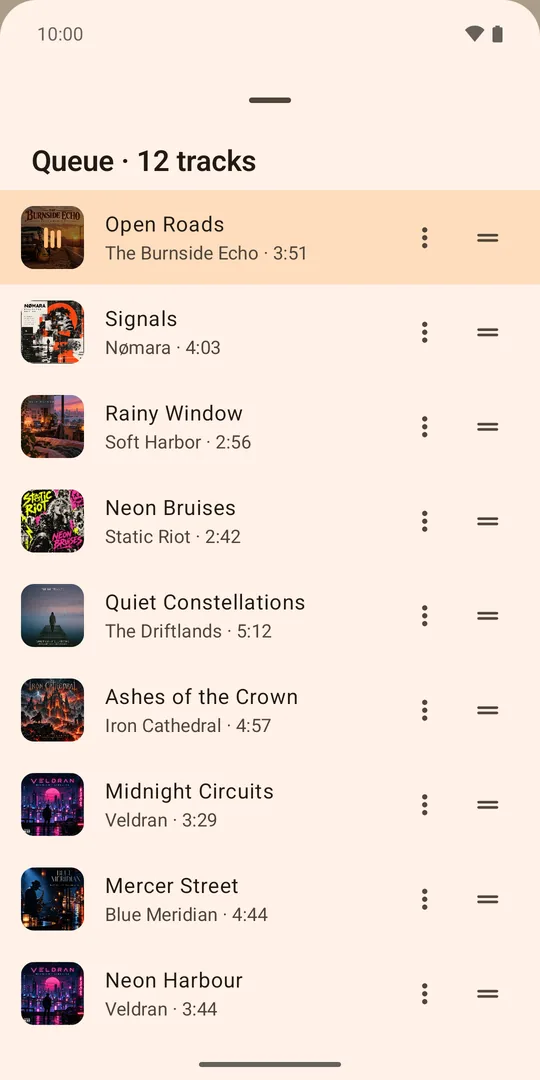
Big artwork with colours from the album, a waveform you tap or drag to seek, audio quality at a glance, and an Up next queue you reorder by dragging.
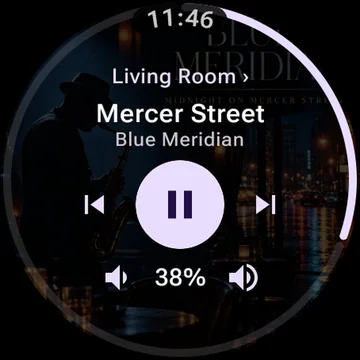
Turn the crown for volume and drag the ring to seek, plus a media tile and a watch-face complication that open what's playing.
Notification and lockscreen controls, and your phone's volume keys, for whichever speaker you control.
Finds your server on the network, and your watch signs itself in from your phone.
Screenshots
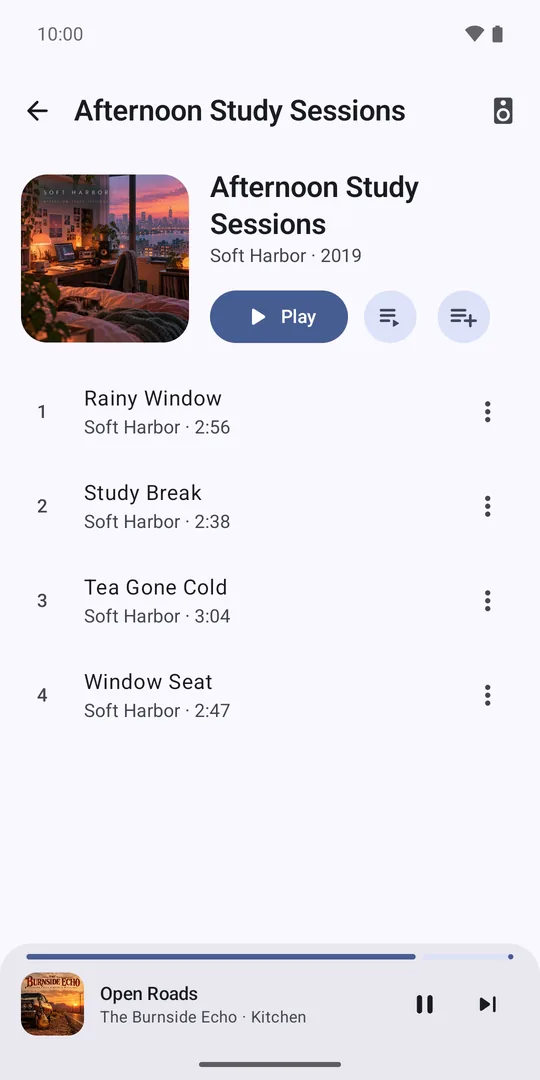
Shown in the built-in demo, with fictional speakers and music.
Privacy
MAestro talks to your own Music Assistant server. There is no MAestro account, and nothing goes anywhere else.
Read the privacy policy